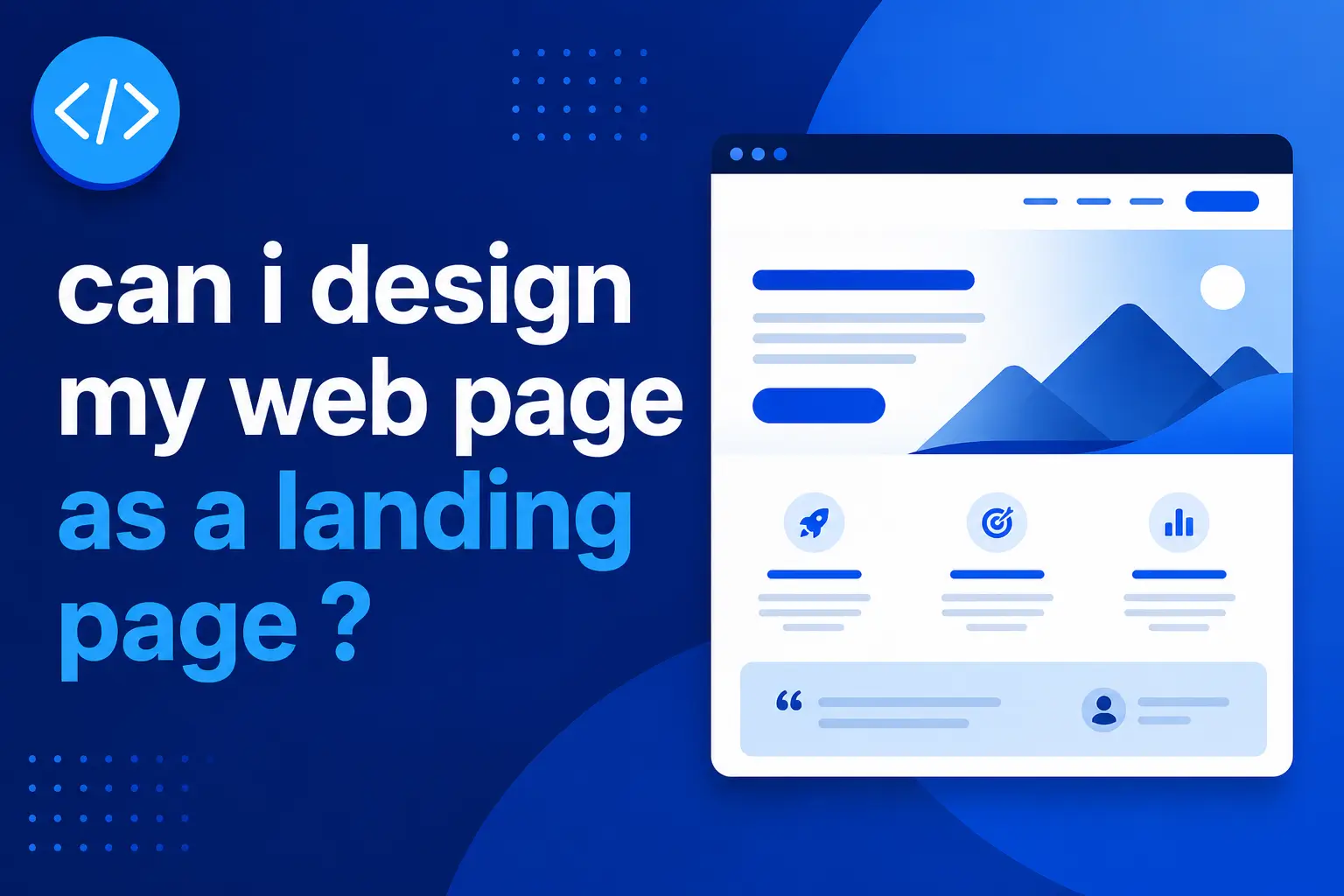
If you are asking “can I design my web page as a landing page?”, the short answer is yes. A normal web page can absolutely be designed as a landing page if it has one clear goal, one focused message, and one strong call to action. The important part is not what the page is called. The important part is what the page is built to do.
Many business owners and marketers get stuck because they think a landing page has to be a separate page created only for paid ads. That is one common use, but it is not the only one. A landing page can be used for service promotion, lead generation, product sales, free downloads, event registrations, consultation bookings, waitlists, or campaign-specific offers.
The difference is focus. A standard web page may explain several things and give users many navigation options. A landing page narrows the experience. It gives visitors a clear reason to stay, enough information to trust the offer, and an obvious next step.
In this guide, you will learn when a web page should be designed as a landing page, how landing pages differ from homepages and standard pages, what structure works best, and how to balance landing page SEO, user experience, and conversion.
Can I design my web page as a landing page?
Yes, you can design your web page as a landing page if the page has one clear conversion goal, focused messaging, a strong CTA, relevant content, and minimal distractions. It works best for campaigns, services, products, lead generation, and offers where you want visitors to take one specific action.
What Makes a Web Page a Landing Page?
A landing page is not defined only by the tool you use or whether it lives inside your main website. It is defined by purpose. A landing page is a focused web page designed to guide a visitor toward one specific action.
That action might be:
- Book a consultation
- Buy a product
- Download a guide
- Request a quote
- Start a free trial
- Join a waitlist
- Register for an event
- Submit a lead form
- Click through to a checkout page
HubSpot describes a landing page as a standalone page with one clear purpose: getting someone to take action. That is the heart of landing page design. The page removes unnecessary friction and makes the next step obvious.
A regular website page often has several goals. A homepage may introduce the brand, show services, link to projects, explain the company, send people to a blog, and encourage contact. A service page may educate, rank in search, and convert visitors. A landing page is narrower. It is designed around one campaign, one offer, or one audience segment.
For example, a general “Services” page may explain web design, SEO, development, and content. A landing page might focus only on “SEO website redesign for small businesses” with a clear CTA to book a consultation.
That focus is what makes a landing page effective.
If you already have a business website and want to improve how your pages convert, you can explore With Alvi’s digital services for SEO-friendly web design and landing page strategy.
Web Page vs Landing Page vs Homepage
A web page, homepage, and landing page can look similar, but they serve different purposes.
Web Page
A web page is any page on your website. It could be your homepage, blog post, service page, product page, about page, contact page, or landing page.
Its goal depends on the context.
A blog page may educate. A contact page may collect inquiries. A product page may sell. A service page may explain an offer and generate leads.
Homepage
A homepage is the main entry point of your website. It usually serves multiple audiences and introduces the overall brand.
A homepage often includes:
- Brand positioning
- Main services or products
- Navigation to key pages
- Trust signals
- Featured projects
- About section
- Blog links
- Contact CTA
Because a homepage has many jobs, it is usually not as focused as a landing page.
Landing Page
A landing page is built for one specific goal.
A landing page usually includes:
- One main headline
- One audience or offer
- One primary CTA
- Focused benefits
- Proof or testimonials
- Minimal navigation
- Short form or clear next step
- Tracking and conversion measurement
Here is the simplest comparison:
| Page Type | Main Purpose | Best For |
|---|---|---|
| Homepage | Introduce the whole business | Brand discovery and navigation |
| Standard service page | Explain a service and rank organically | SEO and service education |
| Landing page | Drive one specific action | Ads, campaigns, offers, lead generation |
So, can a homepage be designed like a landing page? Sometimes, yes. A single-service business may use its homepage as a landing-style page. But if your business has multiple offers, your homepage should usually stay broader, while dedicated landing pages handle focused campaigns.
How to Design Your Web Page as a Landing Page
A strong landing page is not just a pretty layout. It is a sequence of decisions that reduces confusion and builds confidence.
Step 1: Choose One Conversion Goal
Start with one goal. Do not ask users to book a call, download a guide, join a newsletter, and view your portfolio all at once.
Choose one primary action.
Examples:
- “Book a free consultation”
- “Get a quote”
- “Start your trial”
- “Download the checklist”
- “Buy now”
- “Join the waitlist”
HubSpot’s landing page guidance also emphasizes starting with a clear conversion goal and keeping the CTA focused.
Step 2: Define the Audience
A landing page should feel specific. Who is it for?
A page for startup founders should not sound exactly like a page for local restaurant owners. A page for ecommerce sellers should not use the same proof points as a page for freelance consultants.
Define the audience before writing the copy.
Step 3: Write a Clear Headline
Your headline should explain the offer or outcome quickly.
Weak headline:
“Grow Better Online”
Stronger headline:
“Get a Conversion-Focused Landing Page for Your Service Business”
The second version is clearer because it says what the page offers and who it helps.
Step 4: Explain the Value
The page should answer:
- What is this?
- Who is it for?
- Why should I care?
- What problem does it solve?
- What happens after I click?
Use short sections, plain language, and benefit-focused copy.
Step 5: Add Trust Signals
Trust signals help visitors feel safe taking action.
Examples include:
- Testimonials
- Reviews
- Case studies
- Portfolio examples
- Client logos
- Certifications
- Guarantees
- Security badges
- Clear contact details
- Before-and-after results
You can show proof by linking to relevant website and digital projects when the page is for design, development, or SEO services.
Step 6: Use One Strong CTA
Your CTA should be specific and action-oriented.
Better CTA examples:
- “Book a Consultation”
- “Request a Quote”
- “Get the Free Guide”
- “Start My Project”
- “Reserve My Spot”
Avoid vague CTAs like “Submit” or “Click Here” when a more specific phrase would work better.
Step 7: Reduce Distractions
A landing page should not send users in five directions. You can reduce distractions by limiting navigation, removing unrelated links, shortening forms, and keeping the page focused on the offer.
That does not mean the page must be empty. It means every section should support the same goal.
Landing Page SEO, UX, Tools, and Metrics
If you want your landing page to rank organically, landing page SEO matters. Some campaign landing pages are built mainly for ads and do not need to target organic search. But if the page is meant to attract search traffic, it needs SEO structure.
Google Search Central’s SEO Starter Guide explains the importance of making pages useful and understandable for users and search engines. That applies to landing pages too.
Important SEO elements include:
- Clear title tag
- Strong meta description
- One descriptive H1
- Logical H2 sections
- Helpful body content
- Fast loading speed
- Mobile-friendly layout
- Internal links where relevant
- Optimized images
- Clean URL
- Schema markup if appropriate
- No accidental noindex tag
Landing page user experience also matters. A page may have strong copy, but if it loads slowly or feels confusing on mobile, conversions can suffer.
Useful tools include:
- WordPress for flexible website pages
- Webflow for custom visual landing pages
- Shopify for product landing pages
- Elementor for WordPress page building
- Figma for wireframing and design
- Canva for simple visuals
- Google Analytics 4 for conversion tracking
- Google Search Console for organic search performance
- Microsoft Clarity and Hotjar for behavior recordings and heatmaps
- Google PageSpeed Insights for speed checks
- Unbounce and Leadpages for campaign landing pages
Landing page metrics to track include:
- Conversion rate
- Form submissions
- CTA clicks
- Bounce rate or engagement rate
- Scroll depth
- Traffic source
- Cost per lead for ads
- Organic clicks
- Page speed
- Mobile performance
- Lead quality
A practical benchmark: if your landing page gets traffic but few conversions, do not immediately redesign everything. First check whether the offer, audience, CTA, form length, page speed, and trust signals are aligned.
Common Mistakes When Designing a Web Page as a Landing Page
One common mistake is keeping too many navigation links. If your goal is conversion, every extra link can become an exit path. Some landing pages remove the full menu or reduce it to only essential links.
Another mistake is making the page too vague. A visitor should understand the offer within a few seconds. If the headline sounds clever but unclear, rewrite it.
A third mistake is asking for too much too soon. Long forms can work for high-value B2B offers, but for simple lead generation, shorter forms often reduce friction.
Some landing pages also lack proof. If you ask someone to buy, book, or submit personal details, show why they should trust you.
Another issue is ignoring mobile design. Many visitors will land on the page from phones. Buttons should be easy to tap, forms should be simple, and text should be readable.
A common SEO mistake is creating a landing page with almost no content. Thin landing pages may work for ads, but if you expect organic traffic, the page needs enough useful content to satisfy search intent.
Finally, many businesses do not track conversions properly. A landing page without analytics is guesswork. Set up GA4 events, form tracking, CTA tracking, and Search Console monitoring before judging performance.
The LANDING Page Framework
The LANDING Page Framework helps you design a web page as a focused landing page without losing clarity or trust.
LANDING stands for:
- L: Lead with one clear offer
- A: Align with one audience
- N: Name the problem
- D: Demonstrate value
- I: Include trust signals
- N: Narrow the next step
- G: Gauge performance
L: Lead With One Clear Offer
Start with the offer. Make it obvious what the visitor gets and why it matters.
A: Align With One Audience
Write for a specific audience. A landing page for “small business owners who need more leads” will be stronger than a generic page for “everyone.”
N: Name the Problem
Show the visitor you understand what they are struggling with. Keep it direct and specific.
D: Demonstrate Value
Explain benefits, outcomes, features, process, and what makes the offer useful.
I: Include Trust Signals
Add testimonials, project examples, case studies, reviews, certifications, or clear contact details.
N: Narrow the Next Step
Use one main CTA. Keep the form or action simple.
G: Gauge Performance
Track traffic, clicks, conversions, scroll behavior, and lead quality. Improve the page based on data.
Use this formula:
Landing Page Success = Clear Offer + Relevant Audience + Focused Message + Strong CTA + Trust Signals
The advanced insight is this: a landing page is not about removing everything. It is about removing anything that does not support the visitor’s decision.
Conclusion
So, can I design my web page as a landing page? Yes. A regular web page can work as a landing page when it is built around one clear goal, one audience, one offer, and one strong CTA.
The best landing pages combine focused messaging, conversion-friendly layout, trust signals, fast performance, mobile usability, and clean tracking. If the page is meant to rank in search, it should also include enough helpful content to satisfy search intent and support landing page SEO.
Use a landing page when you want visitors to take a specific action. Use a homepage when you need to introduce the whole business. Use a standard service page when you need a broader SEO and education page.
Your next step: choose one web page, define its single goal, remove distractions, strengthen the CTA, add proof, and track whether more visitors take action.
FAQs
Can any web page be a landing page?
Yes, any web page can function as a landing page if it has one clear goal and guides users toward one action. The page should have focused messaging, a strong CTA, relevant content, trust signals, and minimal distractions.
What is the difference between a web page and a landing page?
A web page is any page on a website. A landing page is a specific type of web page designed for one conversion goal, such as booking a call, downloading a guide, buying a product, or submitting a form.
Should my homepage be a landing page?
Your homepage can use landing page principles, especially if you offer one main service or product. But if your business has multiple audiences, services, or paths, your homepage should usually guide users to dedicated landing pages or service pages.
Is landing page SEO important?
Yes, if you want the page to rank organically. Landing page SEO includes a clear title, meta description, headings, useful content, fast loading speed, mobile-friendly design, internal links, and alignment with search intent.
What should a landing page include?
A landing page should include a clear headline, focused offer, benefits, supporting details, trust signals, strong CTA, simple form or action step, and tracking setup. The exact structure depends on the offer and audience.
What tools can I use to build a landing page?
You can use WordPress, Webflow, Shopify, Elementor, Unbounce, Leadpages, or custom development. For planning and measurement, use Figma, Canva, GA4, Google Search Console, Microsoft Clarity, Hotjar, and Google PageSpeed Insights.